

Why Graphics Card Prices Swing So Much (and When to Buy)
GPU prices rise and fall more than almost any other PC part. Here is what drives the swings and how to time a purchase.
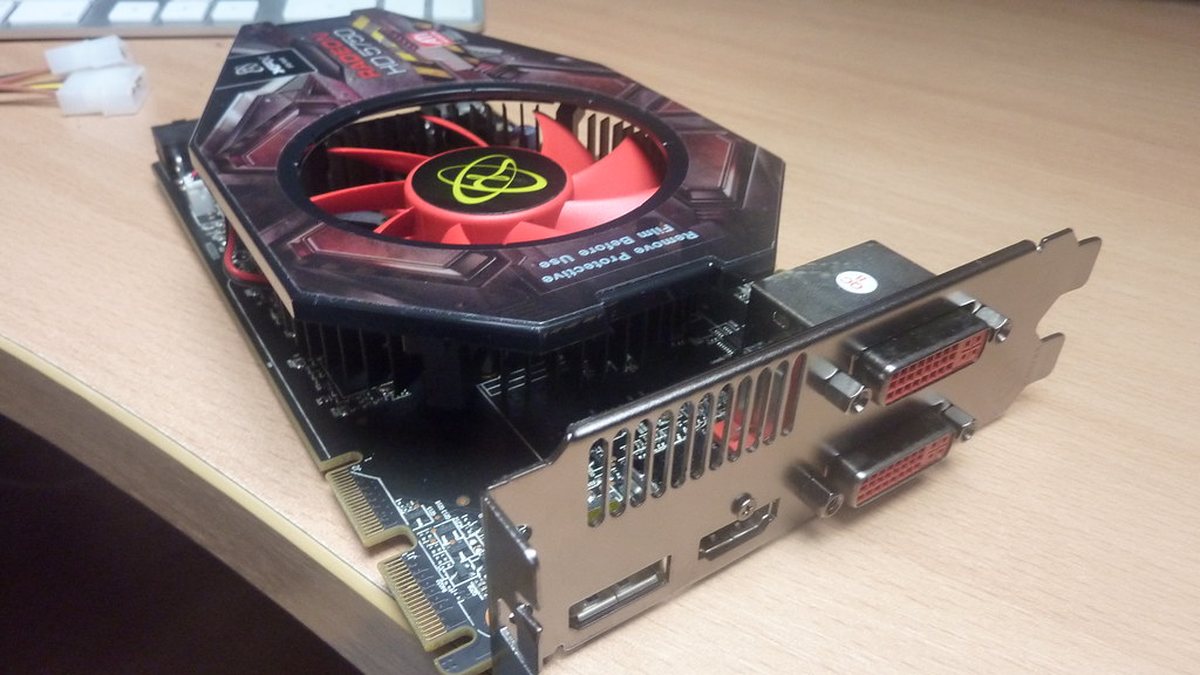
Anyone who has watched graphics card prices for a year knows the pattern: a card can cost noticeably more in one month than the next, with no change to the product itself. The swings come from a handful of forces that are easy to understand once you see them together.
Key takeaways
- Gaming GPUs compete for factory capacity and memory with far more profitable data-centre chips.
- New-generation launches are usually the worst time to buy the new card and a good time to buy the old one.
- Compare price per frame at your resolution, not headline specs.
Gamers are not the only customers
The same chip factories and memory suppliers serve gaming cards and data-centre accelerators. When demand for AI hardware surges, manufacturers prioritise the products with the highest margins, and consumer supply can tighten. In earlier years, cryptocurrency mining had a similar effect, emptying shelves and pushing up second-hand prices.
The launch cycle
New generations typically arrive with limited stock and high demand, so early prices often sit above the official list price. Meanwhile, retailers clearing the previous generation tend to discount it. The months just after a launch are often the best time to buy last year's card.
Currency, tariffs and shipping
Cards are priced globally in US dollars, so exchange rates move UK and European prices even when US prices stay flat. Import duties and freight costs add to the swing.
Memory and board partners
The GPU chip is only part of the card. Video memory, power delivery and cooling come from partner manufacturers, and premium models with bigger coolers and factory overclocks can cost far more than the base model for small real-world gains.
How to time your purchase
| If you… | Consider |
|---|---|
| Need a card now | Buy the best price-per-frame model at your monitor's resolution |
| Can wait a few months | Watch for the next launch and the discounts on the outgoing generation |
| Are on a tight budget | Look at the previous generation and reputable second-hand sellers |
Whatever you buy, check that your power supply, case clearance and monitor can make use of it. A faster card bottlenecked by an old CPU or a 60Hz screen is money left on the table. Our PC build guides walk through balanced combinations.
 Tech News
How to Spot Tech Hype: A 6-Step Checklist for Reading Tech News
Every week brings a "revolutionary" launch. Six quick checks separate the stories that matter from the press releases dressed up a...
Read article
 Software & SaaS News
SaaS Prices Keep Rising: 7 Ways to Get Your Software Bill Under Control
Subscriptions creep up one seat and one add-on at a time. A one-afternoon audit can cut a business software bill without losing an...
Read article
 Artificial Intelligence
AI Agents Explained: What They Can (and Can't) Do for a Small Business
AI agents promise to handle whole tasks, not just answer questions. Here is what that means in practice, where they help, and wher...
Read article