

Best PC Upgrades for the Money in 2026, Ranked by Impact
The best PC upgrades for the money in 2026, ranked by impact per pound: SSDs, RAM, monitors, GPUs, ergonomics, Wi-Fi, surge protection and CPU coolers.
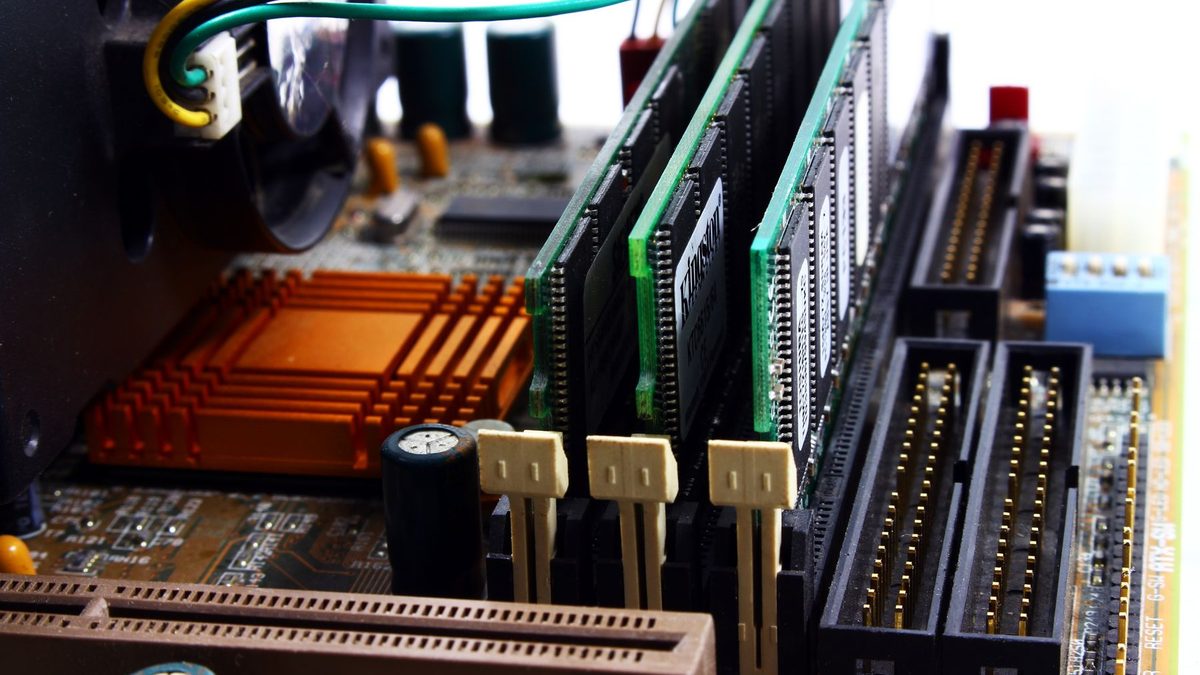
A new PC is a big spend, and in 2026 rising memory prices have made it bigger. The right upgrade, though, can make an ageing machine feel new for a fraction of the cost. This guide ranks the best PC upgrades for the money by how much difference each makes for every pound you spend.
The order is not the same for everyone, so for each upgrade we explain who benefits most and roughly what tier of spending to expect.
Key takeaways
- If your PC still boots from a hard drive, an SSD is the single best-value upgrade you can buy.
- More RAM helps most when you are genuinely short of memory, but 2026 price rises mean you should check costs first.
- A graphics card delivers the biggest jump for gamers, but it is also the most expensive and should come after the basics.
PC hardware by the numbers
Valve's survey is opt-in and swings monthly, but it shows the common bottlenecks: most gamers have 16GB or 32GB of memory and a 1080p screen.
The best value: storage and memory
Swap a hard drive for an SSD
If Windows still lives on a spinning hard drive, nothing else here comes close. Seagate rates its current BarraCuda desktop drives at up to 190 MB/s. Even a basic SATA SSD such as the Samsung 870 EVO is rated at up to 560 MB/s in Samsung's data sheet, and an NVMe drive in an M.2 slot can be many times faster again.
SSDs also have no moving parts, so they find files almost instantly. That is what makes boot times, app launches and Windows updates feel dramatically quicker.
- Who benefits most: anyone on a hard drive, especially older laptops and office PCs.
- What to buy: NVMe if your motherboard has an M.2 slot, otherwise a 2.5-inch SATA SSD.
- Tip: keep the old hard drive as a second drive for photos and backups.
Add more RAM, if you are running short
Memory helps only when you do not have enough. Open Task Manager > Performance > Memory during normal use. If usage regularly sits above about 85 to 90%, more RAM will cut stutter and slow tab switching.
The catch in 2026 is price. TrendForce estimates DRAM contract prices nearly doubled in the first quarter and expected a further 58-63% rise in the second, so a kit that was cheap two years ago may now cost far more.
- 8GB to 16GB: still a strong upgrade for everyday PCs and laptops with a free slot.
- 16GB to 32GB: worth it for heavy multitaskers, video editors and some modern games.
- Check first: your memory type (DDR4 or DDR5), maximum capacity and free slots.
Upgrades you see and touch every day
A better monitor
You look at your screen every minute you use your PC, which makes it one of the most underrated upgrades. A 1440p monitor gives sharper text and more room for side-by-side windows, while a high refresh rate (144Hz or more) makes games and even scrolling smoother. It may outlast several PCs.
Chair, mouse and keyboard
If you spend hours at a desk, comfort matters more than a few extra frames per second. An adjustable chair with lumbar support, a mouse that fits your hand and a keyboard you enjoy are cheap next to a new graphics card. A monitor arm or riser that brings the screen to eye level often fixes neck strain for very little.
Spend money where your body touches the PC. A better chair, mouse and keyboard get used every single day, whatever the specs underneath.
Network and power upgrades
Better Wi-Fi, mesh or a cable
Slow downloads, laggy video calls and online games that rubber-band are often a network problem, not a PC problem. The cheapest fix is an Ethernet cable to the router. If that is impractical, a newer Wi-Fi adapter or a mesh Wi-Fi system can cure weak spots in larger homes. Run a speed test next to the router and then at your desk; a big gap points to a coverage problem.
Surge protector or UPS
A surge-protected extension lead is a small spend that guards expensive hardware against spikes. An uninterruptible power supply (UPS) goes further, keeping your PC running long enough to save work and shut down cleanly during a power cut.
Graphics cards and CPU coolers
Upgrade the graphics card
For gaming, the GPU makes the biggest single difference to frame rates and settings. It is also the most expensive item here, which is why it ranks lower for value. In the October 2026 Steam survey, 8GB was still the most common amount of video memory, at 26.92%, just ahead of 16GB.
Check your power supply's wattage and connectors, and your case's clearance, first.
Fit a better CPU cooler
A better cooler lowers temperatures and fan noise, but for most people the speed gain is modest. Treat it as a noise upgrade unless your PC is clearly overheating.
Upgrade value at a glance
| Upgrade | Typical cost tier | Who benefits most |
|---|---|---|
| HDD to SSD | Low to mid | Any PC still booting from a hard drive |
| More RAM | Mid (higher in 2026) | PCs regularly using 85%+ of their memory |
| Better monitor | Mid to high | Gamers on 60Hz screens, home workers |
| Chair, mouse, keyboard | Low to high | Anyone at a desk for hours |
| Wi-Fi, mesh or Ethernet | Low to mid | Online gamers, remote workers, large homes |
| Graphics card | High to premium | Gamers and creators limited by frame rates |
| Surge protector or UPS | Low to mid | Home offices and areas with power cuts |
| CPU cooler | Low to mid | Noisy or hot-running PCs |
As a rough guide, low means under about £50, mid £50 to £150, high £150 to £400 and premium above that. Memory and storage prices move quickly, so check current listings before you plan.
FAQ
Which upgrade makes an old PC feel fastest?
Almost always an SSD, as long as the PC still runs from a hard drive. Add a move to 16GB of RAM if it has 8GB or less and memory usage is high.
Is it worth upgrading RAM with prices so high?
Only if you are genuinely running out. Check Task Manager first, and if memory is not the bottleneck, spend the money elsewhere.
Should I upgrade or buy a new PC?
If your PC needs a new processor, motherboard and memory all at once, a new build or prebuilt often makes more sense. One or two targeted upgrades usually give better value.
Ready to shop? Compare drives in our storage section, or if your PC is slow for other reasons, start with our guide to fixing a slow Windows PC.
Sources: Hardware Busters (Steam survey October 2026), TrendForce DRAM prices, Samsung 990 EVO Plus, Samsung 870 EVO data sheet, Seagate BarraCuda data sheet
 PC Build Guides
How to Build a Gaming PC in 2026: Parts, Prices and Steps
Learn how to build a gaming PC in 2026: three example builds with realistic UK prices amid soaring RAM costs, step-by-step assembl...
Read article
 Hardware Deals
Black Friday Hardware Deals 2026: How to Spot Genuine Bargains
Black Friday hardware deals land on 27 November 2026. Learn to spot fake "was" prices, use price trackers and know your UK return...
Read article
 CPU & GPU Rankings
CPU and GPU Rankings Explained: How to Read Tier Lists
CPU and GPU rankings explained: how gaming and productivity benchmarks build tier lists, why results change with resolution, and h...
Read article