

Learn Python in 2026: A Beginner's Roadmap, Week by Week
Want to learn Python in 2026? Follow this week-by-week beginner roadmap covering setup, basics, data structures, functions, files, packages and first projects.
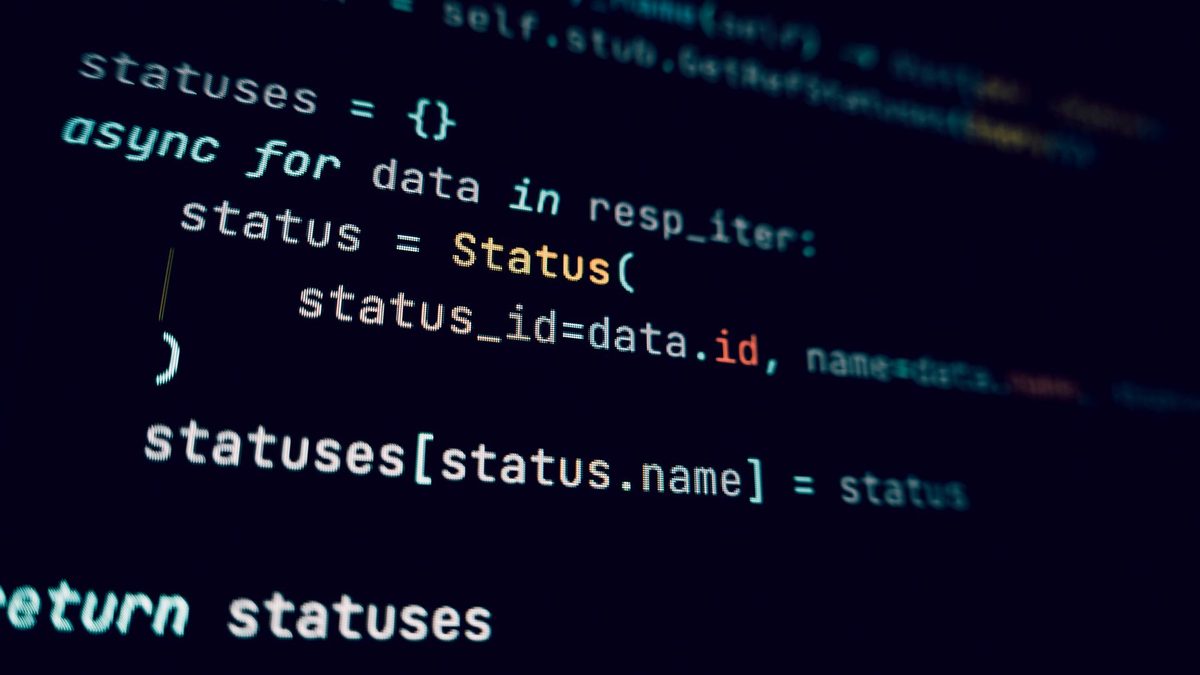
Python reads almost like plain English, runs everywhere and powers everything from websites to AI models. If you want to learn Python in 2026, the hardest part is not the language itself but knowing what to learn next.
This roadmap breaks the journey into small weekly steps, so you always know what to focus on and when you are ready to move on.
Key takeaways
- Python remains one of the most used and most taught languages in the world.
- Expect around eight weeks of steady practice to cover the core language, then pick a specialism.
- Build small projects from week one: typing code beats watching videos.
Why learn Python in 2026?
Python's popularity is steady rather than a fad. In the 2025 Stack Overflow survey, 57.9% of all respondents had used it, and in the 2026 edition the figure was 58.0%. Among people learning to code in 2025, it was the most used language of all.
On GitHub, Python ranked second behind TypeScript in the 2026 Octoverse report, adding 3.23 million monthly contributors between September 2025 and September 2026. That breadth means more tutorials, libraries and jobs for you.
Step 1: Set up Python and VS Code
Download Python from python.org; at the time of writing the current release series is Python 3.15. On Windows, python.org now recommends the Python install manager, also available from the Microsoft Store, which gives you the python and py commands. On macOS and Linux, use the python.org installer or your package manager.
Next, install Visual Studio Code and its Python extension. Create a file called hello.py and run your first program:
name = input("What's your name? ")
print(f"Hello, {name}! Welcome to Python.")
Step 2: Master the basics
Spend your first fortnight on variables, numbers, strings, input and output, then on if statements and loops. These ideas appear in every program you will ever write. Here is a small example that combines a dictionary, a loop and a condition:
scores = {"Ana": 82, "Ben": 64, "Cal": 91}

for student, score in scores.items():
    if score >= 70:
        print(f"{student} passed with {score}")
    else:
        print(f"{student} needs another try")
Notice the indentation. Python uses it instead of brackets to group code, so consistent spacing matters.
Expect plenty of error messages at this stage, and don't be put off by them. Read the last line of the traceback first: it names the type of error and the line where Python gave up. Fixing your own mistakes this way is one of the most valuable skills you will build, and it gets quicker every week.
Step 3: Data structures, functions and files
Once loops feel natural, learn the four core data structures: lists, tuples, dictionaries and sets. Then write your own functions with def, so you can reuse code instead of copying it.
After that, practise reading and writing text and CSV files, and handling errors with try and except. Being able to load data, process it and save the result is where Python starts to feel genuinely useful.
Step 4: Packages and virtual environments
Python's real power lies in its packages. Create a virtual environment for each project so its packages stay separate, then install what you need with pip:
python -m venv .venv
.venv\Scripts\activate        (Windows)
source .venv/bin/activate     (macOS and Linux)
pip install requests
Get into this habit early and you will avoid the "it worked yesterday" problems that frustrate many beginners. When a project works, run pip freeze > requirements.txt to record exactly which packages it needs, so you or anyone else can rebuild it later.
This is also a good moment to learn the basics of Git. Saving your progress in small commits, and pushing projects to GitHub, gives you a safety net and the start of a portfolio.
Your week-by-week Python roadmap
| Week | Focus | Practice goal |
|---|---|---|
| 1 | Install Python and VS Code; variables, strings, numbers | A greeting and tip calculator |
| 2 | If statements, loops, input | A number-guessing game |
| 3 | Lists, tuples, dictionaries, sets | A to-do list in the terminal |
| 4 | Functions and modules | Refactor earlier projects into functions |
| 5 | Files, CSV and error handling | An expense tracker that saves to CSV |
| 6 | Packages, pip and virtual environments | Fetch live data with requests |
| 7 | Git basics and debugging | Publish your projects on GitHub |
| 8 | Your first larger project | A file organiser or weather app |
| 9-12 | Choose a path | A portfolio project in that area |
Aim for 30 to 60 minutes of coding most days. Little and often beats a single weekend marathon.
First projects, then pick a path
Small, finished projects teach more than unfinished big ones. Good starters include a password generator, a quiz game, a script that tidies your Downloads folder and a weather app using a free API.
AI coding assistants can help here, but use them as a tutor rather than a ghostwriter. Ask them to explain an error or suggest a hint, then write the fix yourself.
After about eight weeks, choose a direction:
- Web development: build sites and APIs with Django, Flask or FastAPI.
- Data analysis: explore data with pandas, Jupyter notebooks and Matplotlib.
- Automation: rename files, fill spreadsheets and scrape websites responsibly.
- AI and machine learning: start with scikit-learn, then explore PyTorch and calling AI model APIs.
FAQ
How long does it take to learn Python?
Most beginners can cover the core language in two to three months of regular practice. Becoming job-ready in a specialism takes longer and depends on the projects you build.
Do I need maths to learn Python?
Not for the basics, web development or automation. Data science and machine learning do benefit from statistics and some algebra, which you can learn alongside.
Is Python still worth learning with AI coding assistants?
Yes. AI tools write code faster, but you still need to understand Python to check, debug and improve what they produce.
Keep going with more hands-on guides in our coding tutorials, or compare course providers in our online learning section.
Sources: Stack Overflow Developer Survey 2026, Stack Overflow Developer Survey 2025, TIOBE Index, GitHub Octoverse 2026, Python downloads, Python docs: Using Python on Windows
 Online Learning & Courses
Best Online Learning Platforms for Tech Skills in 2026
Coursera, edX, Udemy, freeCodeCamp, Microsoft Learn and more compared on cost, certificates and who each suits, so you can pick th...
Read article
 Troubleshooting & Fixes
How to Fix a Slow Windows 11 PC: 11 Steps That Work in 2026
Is your Windows 11 PC crawling? Work through 11 steps, from startup apps and Storage Sense to drive health and SSD upgrades, to fi...
Read article
 Software Reviews
How to Evaluate Software Before You Buy: A 2026 Checklist
Avoid shelfware and surprise bills. This checklist covers trials, pricing traps, security, data export, reviews and total cost of...
Read article