

Desktops & Prebuilt PCs Hardware
Prebuilt vs Custom PC in 2026: Which Desktop Should You Buy?
Prebuilt vs custom PC in 2026: how to compare real costs, warranties and upgrade paths, what to check on a prebuilt spec sheet, and when a mini PC makes sense.
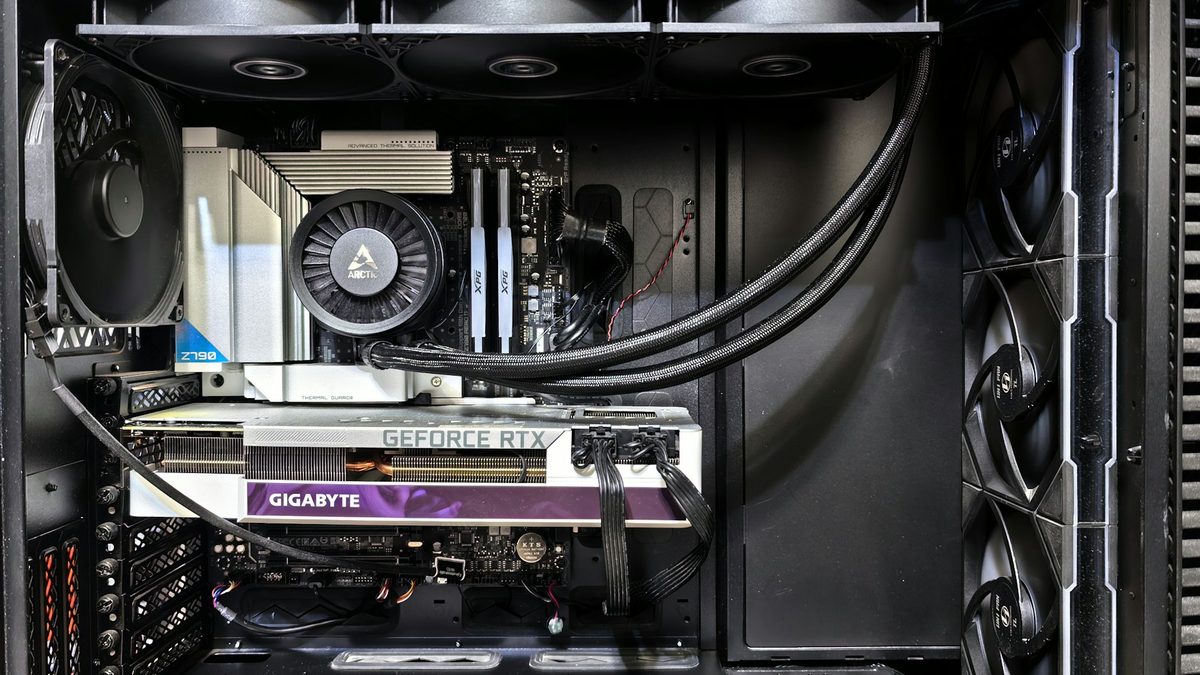
Should you buy a ready-made desktop or build your own? The prebuilt vs custom PC debate used to have a simple answer: building was cheaper. In 2026, with memory and storage prices climbing and system builders buying parts in bulk, the honest answer is "it depends on the spec sheet".
This guide shows you how to compare the two fairly, what to look for in a prebuilt listing, and why a mini PC might be the best choice of all.
Key takeaways
- Compare like for like: price every component in a prebuilt, then add Windows, delivery and warranty value.
- Unnamed power supplies, single-stick RAM and budget SSDs are the classic prebuilt corner-cuts.
- Building yourself gives the best upgrade path; prebuilts give one point of contact when something fails.
The desktop market by the numbers
Desktops made up roughly one in five PCs shipped in the second quarter, but the enthusiast side is busy. Jon Peddie Research says graphics card shipments reached 12.5 million as buyers rushed to beat further price rises. Omdia also reported that PC prices across comparable ranges rose by around 20% to 40% year on year, driven by memory and storage costs.
How to compare the real cost
Headline prices tell you little. Builders buy in bulk, while DIY buyers can hunt for deals, so neither side is always cheaper. Do the maths yourself:
- Copy the prebuilt's full spec, including the exact CPU, GPU, motherboard chipset, RAM speed, SSD model, PSU and case.
- Price each part from a reputable retailer on the same day.
- Add the extras: a Windows licence, delivery and any cables or thermal paste.
- Value the warranty: a multi-year collect-and-return service has a real cost.
- Count your time: a first build, plus troubleshooting, can take an evening or a weekend.
If the prebuilt uses named, quality parts and lands within a small margin of the DIY total, it is often the better deal. If its parts are vague, the DIY total is usually the honest benchmark.
What to check on a prebuilt spec sheet
- Unnamed PSU: "650W power supply" with no brand or efficiency rating is a red flag. The PSU protects every other component.
- Single-channel RAM: one 16GB stick instead of two 8GB sticks halves memory bandwidth and can hurt gaming performance, especially on integrated graphics.
- Cheap SSD: "1TB SSD" may mean a slow drive without DRAM cache. Look for the model name.
- Airflow: a glass or solid front panel with one fan can make components run hot and loud. A mesh front and at least two intake fans is a better sign.
- Vague GPU: "RTX graphics" could mean several very different cards. Insist on the exact model and memory size.
- Weak cooler: a basic stock cooler on a high-end CPU may throttle under load.
If a listing will not name a part, assume it is the cheapest version that fits the description.
Warranty and support
This is where prebuilts shine. One company handles the whole machine, so you do not have to prove which part failed. Many UK boutique builders sell multi-year collect-and-return warranties; PCSpecialist, for example, offers several three-year tiers.
With a custom build, each part has its own warranty, and you deal with each maker or retailer separately. That is manageable for enthusiasts but tiring for beginners. Either way, UK buyers also have statutory rights: under the Consumer Rights Act, Which? explains you have 30 days to reject faulty goods for a refund, and claims can be made against the seller for up to six years in England, Wales and Northern Ireland.
Boutique builders vs big brands
Boutique builders typically use standard retail parts, let you pick each component and tidy the cables. That means a desktop you can upgrade like a DIY build.
Big brands often offer lower prices on mainstream office desktops, business support contracts and next-day replacement options. Some models, however, use proprietary motherboards, power supplies or cases that limit future upgrades. Check reviews and photos of the inside before you buy.
Upgradeability
A custom PC built on a standard ATX or micro-ATX motherboard can take a new graphics card, more memory or extra storage for years. Steam's August 2026 survey put 32GB at 37.45% of systems, close behind 16GB at 41.20%, so leaving room to add memory matters. Before buying any desktop, check the PSU wattage headroom, free M.2 slots and whether the case fits a longer graphics card.
Mini PCs: the third option
If you do not game seriously, a mini PC can replace a tower entirely. They are quiet, tiny and sip power, and many can be mounted behind a monitor to free up desk space. They also suit home media and office setups where a big case would be overkill. Apple's new Mac mini with M6 starts at US$899 with 16GB of RAM and 256GB of storage, according to Macworld, and Windows mini PCs use laptop-class Intel and AMD chips. The trade-offs are limited upgrades and, usually, no full-size graphics card.
| Option | Upfront effort | Warranty | Upgradeability | Best for |
|---|---|---|---|---|
| Big-brand prebuilt | None | Single point of contact; check length | Varies; some proprietary parts | Office and family use |
| Boutique prebuilt | Choose parts online | Often multi-year collect and return | High, standard parts | Gamers who want support |
| Custom build | High | Per component | Highest | Enthusiasts and tinkerers |
| Mini PC | None | Single maker | Low | Small desks, light work, media |
FAQ
Is building a PC still cheaper than buying one?
Not always. Price the exact parts yourself on the day; well-specified prebuilts are sometimes level with or close to DIY, especially when memory prices are volatile.
Is building a PC hard for a beginner?
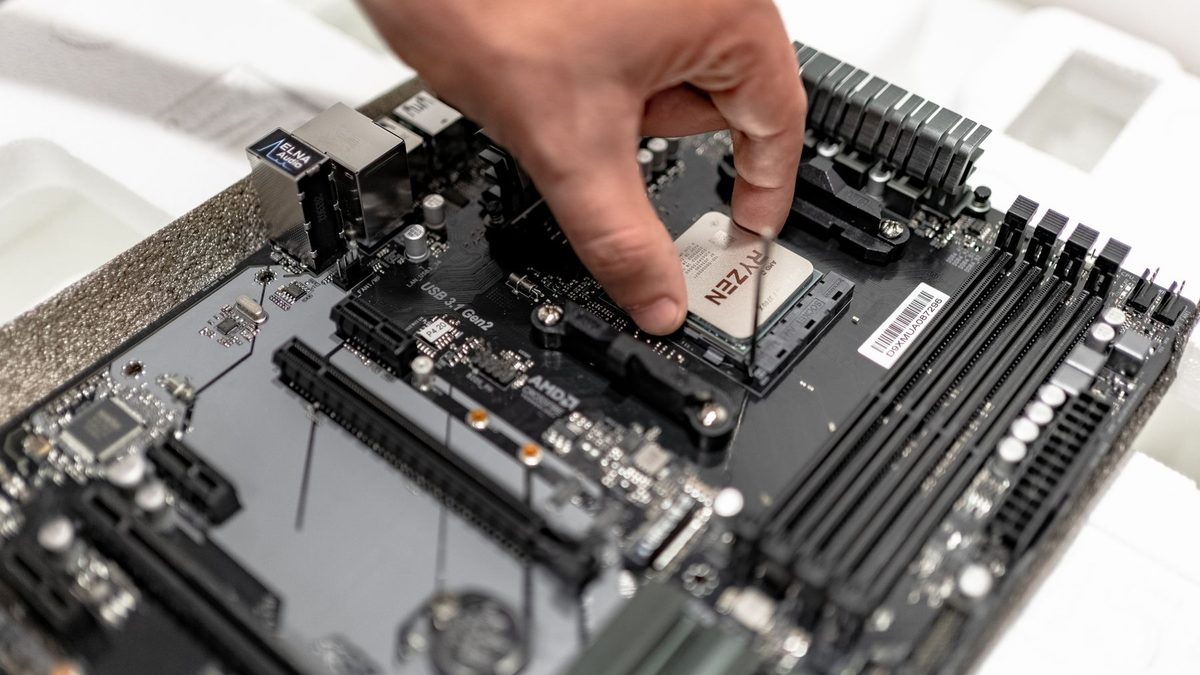
It is easier than it looks, with modern cases and video guides helping. The harder part is troubleshooting if it does not start first time.
Can I upgrade a prebuilt PC?
Usually, yes, if it uses standard parts. Check the PSU, motherboard size and case clearance before buying a new graphics card.
Planning your next desktop? Browse our PC build guides or compare ready-made options in our prebuilt PCs section.
Sources: ChannelNews (Omdia Q2 2026 PC data), Jon Peddie Research, The FPS Review (Steam survey), Which? Consumer Rights Act, PCSpecialist warranties, Macworld
 PC Build Guides
How to Build a Gaming PC in 2026: Parts, Prices and Steps
Learn how to build a gaming PC in 2026: three example builds with realistic UK prices amid soaring RAM costs, step-by-step assembl...
Read article
 Hardware Deals
Black Friday Hardware Deals 2026: How to Spot Genuine Bargains
Black Friday hardware deals land on 27 November 2026. Learn to spot fake "was" prices, use price trackers and know your UK return...
Read article
 CPU & GPU Rankings
CPU and GPU Rankings Explained: How to Read Tier Lists
CPU and GPU rankings explained: how gaming and productivity benchmarks build tier lists, why results change with resolution, and h...
Read article